Understanding Variables and Data Types in JavaScript
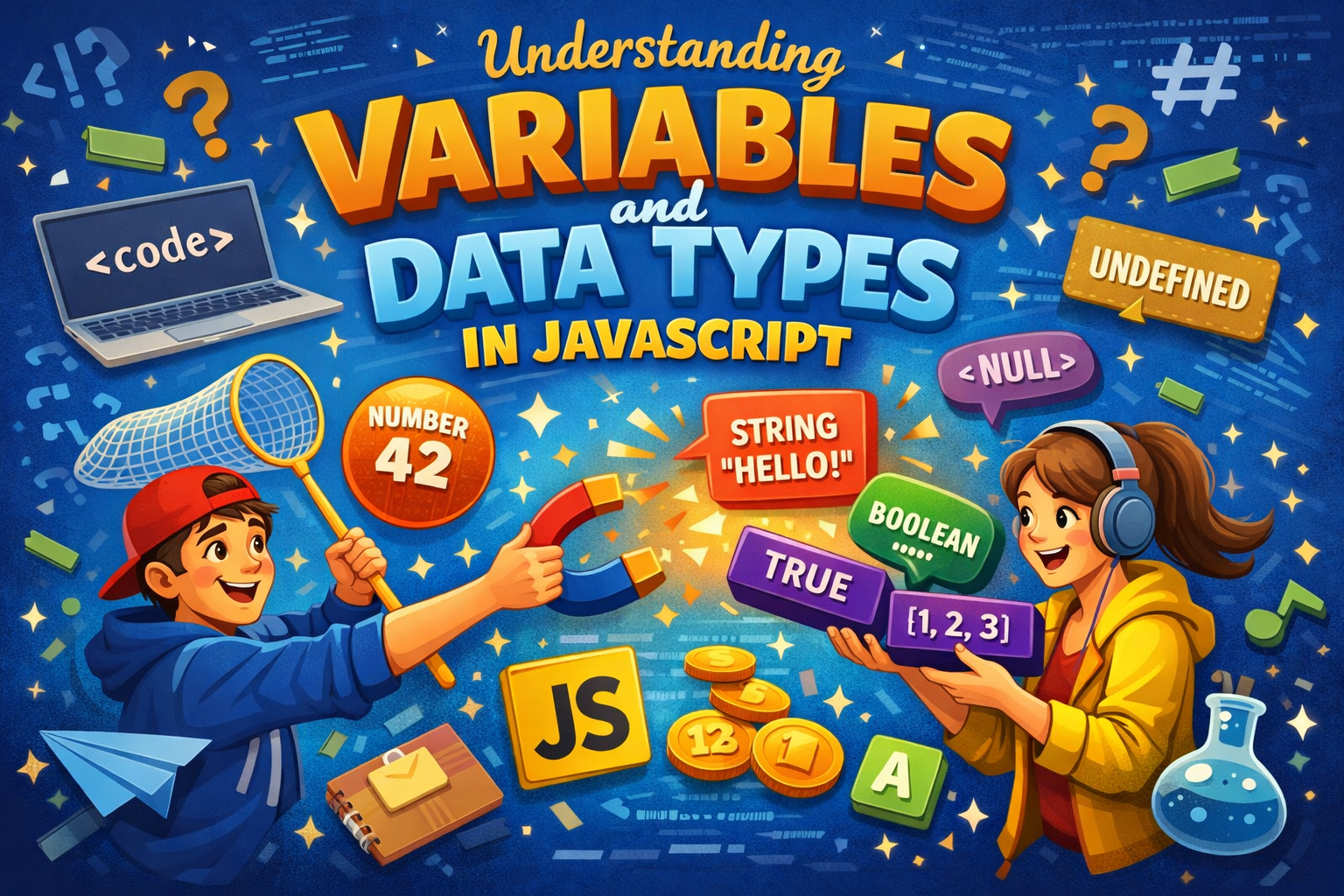
In JavaScript variable are container, which store data in memory. language are provided variable declaration keyword using keyword then declare variable.
JavaScript provide method like var, let, and const method used It declare variable. each keyword different property.
Data Types mean it define which value store in variable. JavaScript is dynamic or loosely typed language.
Data Type like. Integer, String, Float, Boolean etc.
What variable are and why the are needed ?
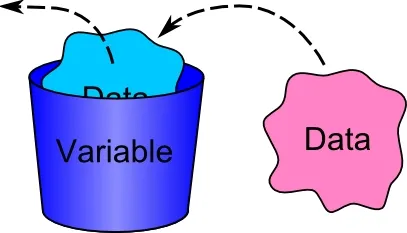
A variable in JavaScript is a named container for storing data values that can be referenced and manipulated throughout a program.
The are essential for creating dynamic, readable and efficient code, allowing program to handle varying input (eg. user input, sensor data etc.)
How to declare variable using var , let , and const ?
Variables = Data container
JavaScript variables can be declared in 4 ways:
Modern JavaScript
Using
letUsing
const
Older JavaScript
Using
var(Not Recommended)Automatically (Not Recommended)
Example automatically :
num1 = 10
num2 = 20

sum = num1 + num2
Example Using var :
var num1 = 10
var num2 = 20

var sum = num1 + num2;
Example Using let :
let x = 5;
let y = 6;
let z = x + y;
Example Using const :
const x = 5;
const y = 6;
const z = x + y;
Primitive Data Types in JavaScript
Primitive data types are the basic types of data that store a single value.
Types:
1. String
used to store text
let name = "Hitesh";
2. Number
Used to store numbers (integer + decimal).
let age = 20; let price = 99.99;
3. Boolean
Used for true or false values.
let isStudent = true;
4. Null
Represents empty or no value (intentionally).
let data = null;
5. Undefined
Variable declared but value not assigned.
let x;
Basic Difference Between var, let, and const
Using var (Old way – Not Recommended)
var a = 10;
Function scoped
Can be re-declared
Can be updated
Hoisting issue (confusing behavior)
Using let (Modern JavaScript)
let a = 10;
Block scoped
Cannot re-declare
Can be updated
Safer than var
Using const (Modern JavaScript)
const a = 10;
Block scoped
Cannot re-declare
Cannot update
Must assign value at declaration
What is scope (very beginner-friendly explanation)
Scope means: where you can use a variable in your code
{
let x = 10;
console.log(x);
}

console.log(x); // error
Types of Scope:
1. Global Scope
Variable can be used anywhere.
let a = 10;
2. Block Scope
Variable works only inside { }
{
 let b = 20;
}
3. Function Scope (for var)
function test() {
 var c = 30;
}
c works only inside function
I hope this blog very helpful. Thanks for reading...